
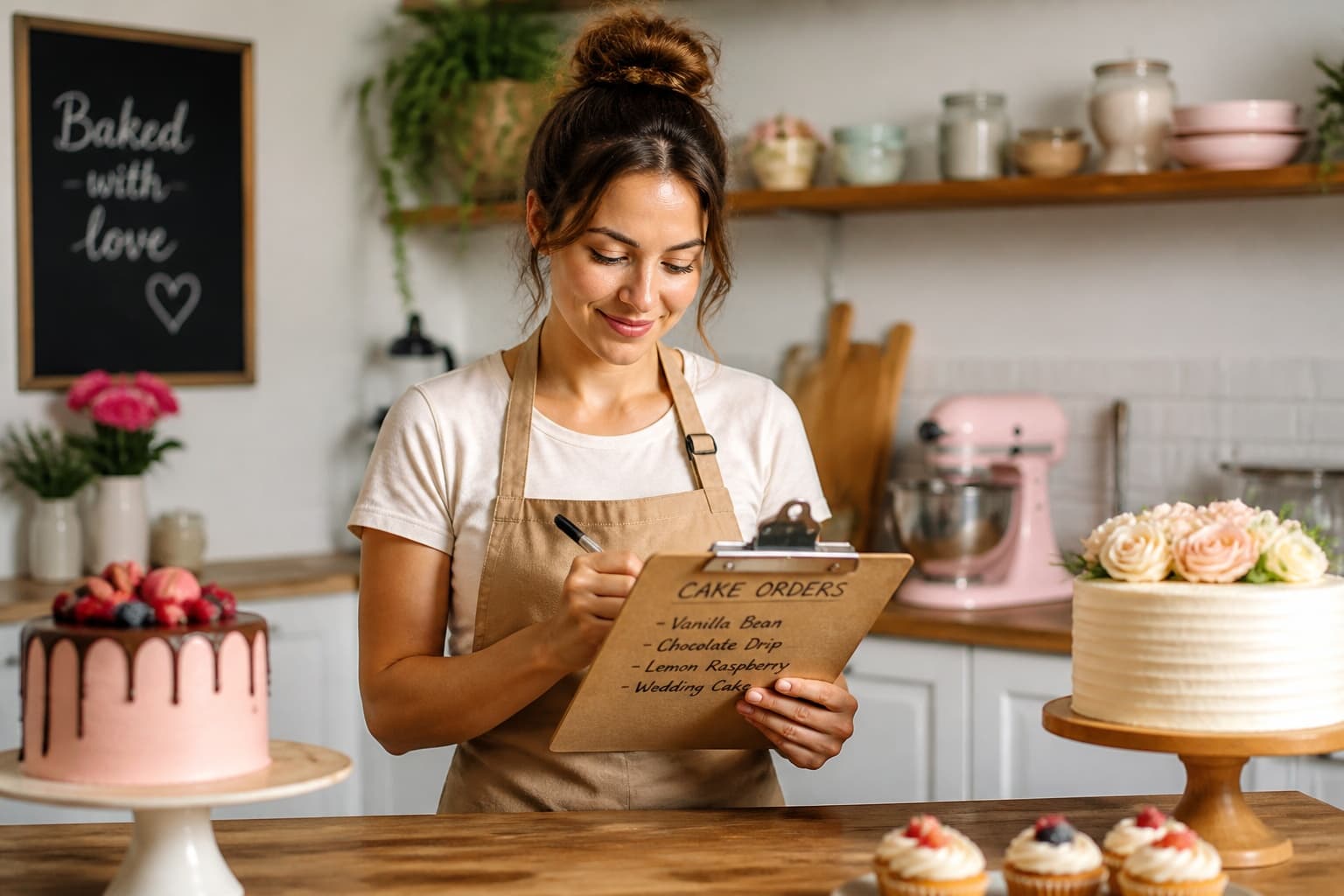
One lost detail — the wrong filling, a missed delivery time — can cost you a customer forever. Order management is the unsexy foundation every successful baking business runs on.
One place for every order
Stop splitting orders between texts, Notes app, and spreadsheets. Every inquiry should land in one system with status, due date, and payment tracked together.
Bakekick Orders gives you a pipeline: New request → Quoted → Approved → In progress → Delivered → Paid.
Capture details upfront
Use a standard order form: event date, servings, flavor, design references, pickup vs. delivery, and allergies. Missing info upfront causes expensive rework later.
Attach photos and messages to the order record so you don't scroll Instagram DMs at midnight looking for 'that shade of blue.'
Calendar and reminders
Sync due dates to your Bakekick calendar. Block bake days and delivery windows so you don't overbook.
Set reminders for deposit due dates and final payment before pickup. Automated nudges beat awkward texts.
Review next week's orders every Sunday. Flag anything missing a deposit — don't start baking until you're covered.